Dark
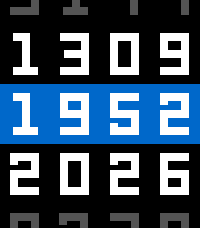
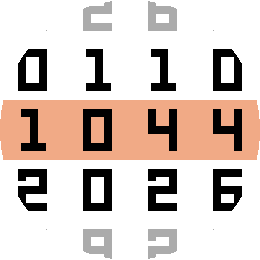
Bright digits on black, with softer top and bottom rows.
Pebble Time 2 · Pebble Round 2

Pebble Time 2 and Pebble Round 2
Time rolls into place like a mechanical counter. Keep the time in the spotlight, add the details you use each day, and choose colours that suit you.
One watchface. Plenty of ways to make it yours.
On the watch
See Reel Time on Pebble Time 2 and Pebble Round 2. Start with a light or dark look, or choose your own colours.
Bright digits on black, with softer top and bottom rows.
Pebble Time 2 · Pebble Round 2
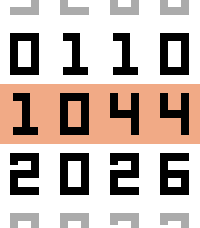
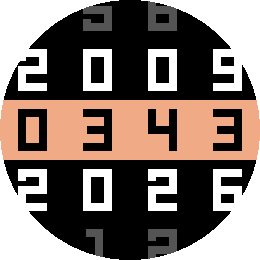
Black digits on white, with a warm centre band.
Pebble Time 2 · Pebble Round 2
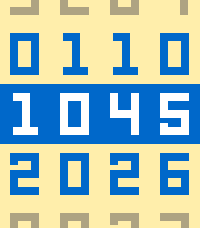
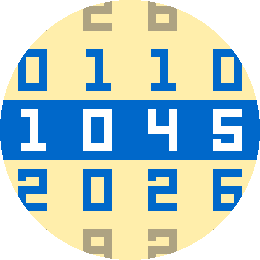
Yellow and blue, with a contrasting centre band.
Pebble Time 2 · Pebble Round 2
Try the settings
Try a layout, choose your colours, and watch the preview change as you go. Play the animation or try a short intro message.
Settings at a glance
Take a closer look at the settings and previews. When you find a look you like, choose the same settings in the Pebble app.
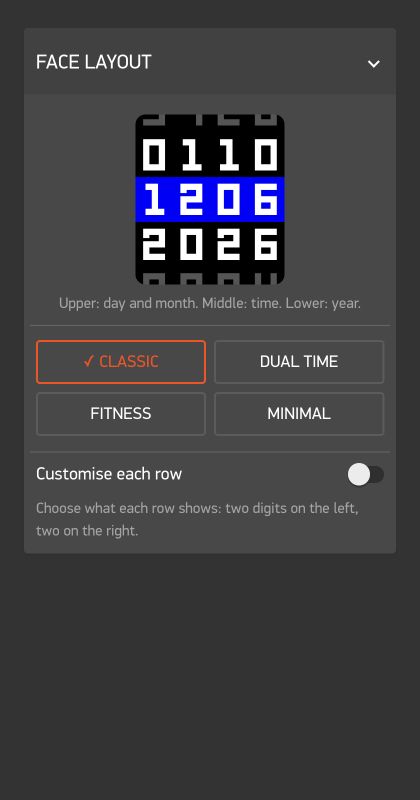
Choose a ready-made layout or decide what each row shows.
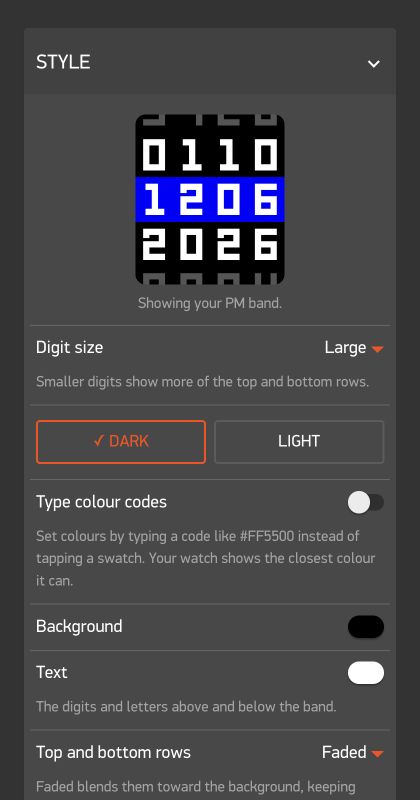
Choose the digit size, colours, and how softly the top and bottom rows appear.
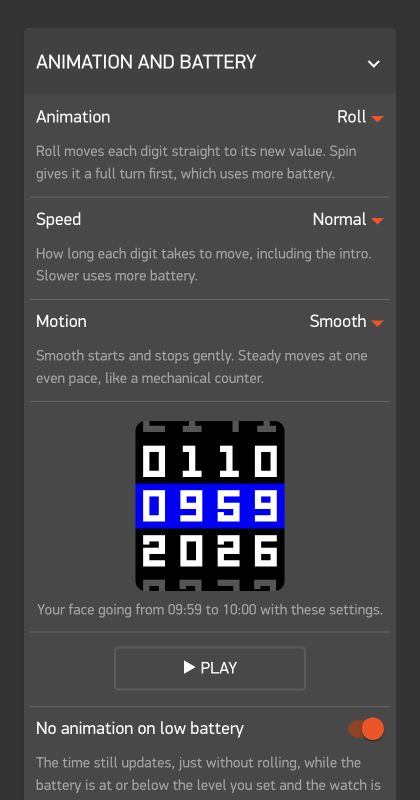
See how Roll and Spin move, then choose the speed you like.
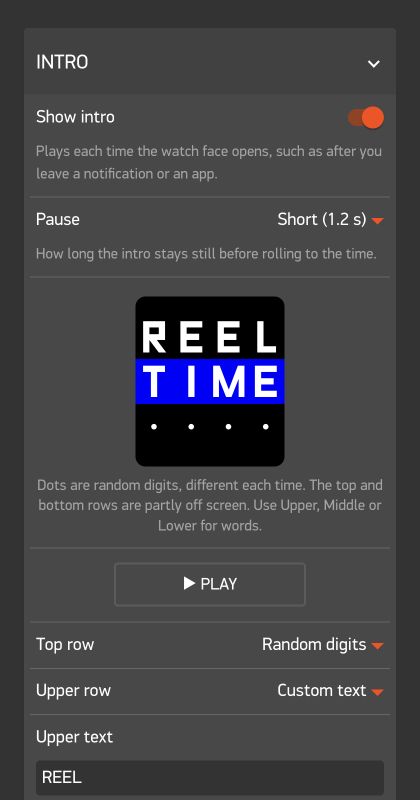
Add a short message, date, or time to show when the watchface opens.
Mechanical at heart
Choose Classic for the time and date, Dual time for another time zone, Fitness for steps and heart rate, or Minimal to keep the focus on the time. You can also choose what each half of a row shows.
Choose Dark or Light, or pick your own background and text colours. Set different colours for the time band before and after noon. Keep the top and bottom rows soft, or make them as bright as the rest.
Watch the digits roll into place each minute. Roll takes the shortest route; Spin makes a full turn first. Choose the speed, then pick a gentle start and stop with Smooth or an even pace with Steady. Slower animations and Spin use more battery.
Add a short intro that plays when the watchface opens. Use up to four letters, numbers, or dots on each row, or choose the weekday, date, time, or random digits. Pick how long it stays before rolling to your watchface, or turn it off.
Ready for your wrist
Install Reel Time from the Pebble App Store, then open its settings in the Pebble app to make it yours.
 Get Reel Time ↗
Enjoying Reel Time? Help support future watchfaces.
Support Simple Faces