Hands and digits together
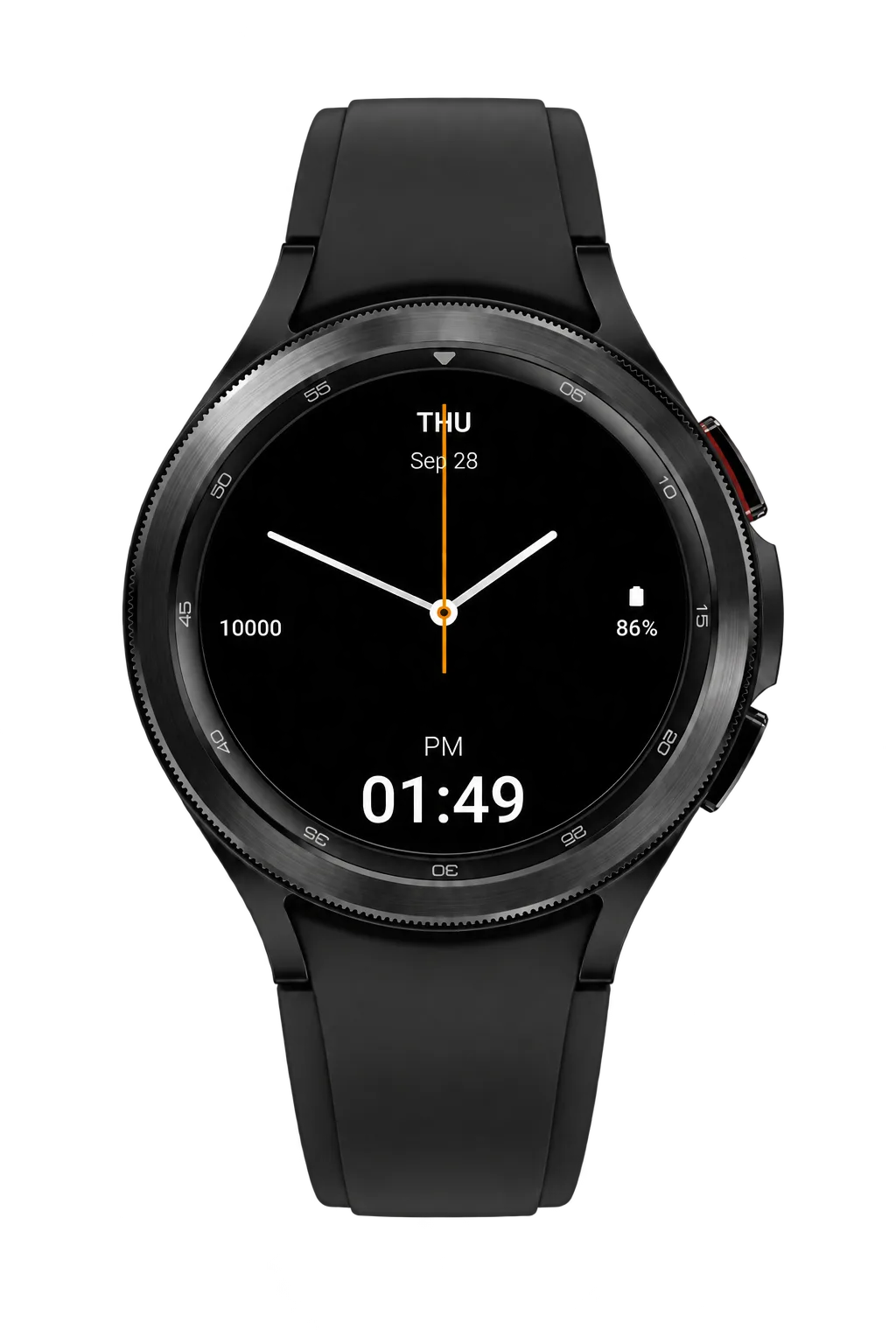
Read the time from the hands or the digital display, whichever you prefer.

Wear OS · Pebble
Classic watch hands and easy-to-read digital time. Available for Wear OS and Pebble.
Minimal Hybrid for Wear OS · Wear OS 3 and later
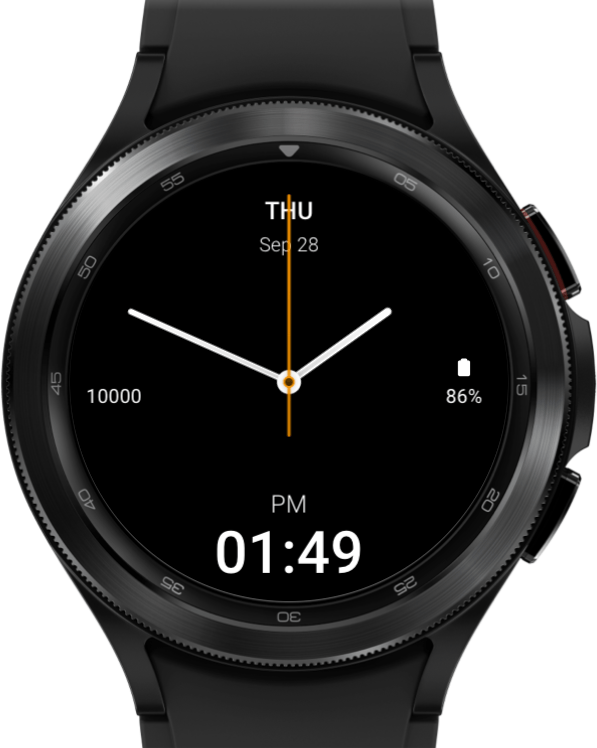
Read the time from the hands or the digital display, whichever you prefer.
Your battery level and step count are shown from the start, so the essentials are always at hand.
See the day and date at a glance, without adding clutter.
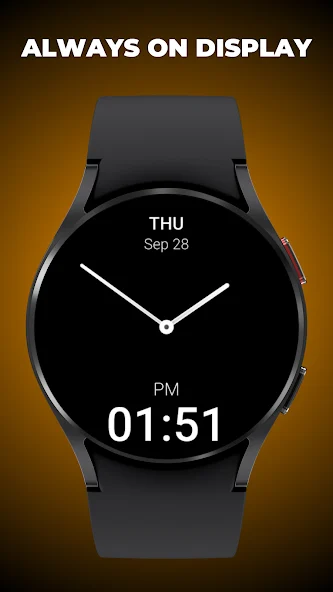
When your watch switches to its always-on display, the second hand and extra details are hidden for a simpler view.
A black background makes the hands and numbers easy to see.
A clean layout keeps the time easy to read throughout your day.
Minimal Hybrid does not collect or share personal data.
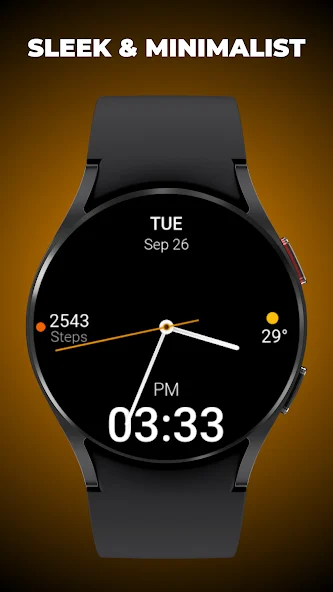
With Pro you choose what else appears on the face: weather, calendar, battery, health, steps, or world time.
Wear OS editions
Both editions have the same look. Standard shows battery and steps. Pro lets you choose the extra details you see.
| Feature | Minimal Hybrid | Minimal Hybrid Pro |
|---|---|---|
| Analogue hands and digital time | Included | Included |
| Always-on screen | Included | Included |
| Day, date, battery, steps | Included | Included |
| Choose your own information | Not included | Included |
| Weather, calendar, health, world time | Not included | Choose yours |
Standard edition
Battery and steps, ready to use.

More customisation
Choose the information that matters to you.
Wear OS gallery
Pebble Time 2 · Pebble Round 2
Classic watch hands, clear digital time and the details you use each day. All colour, layout and animation settings are included in one Pebble watchface.
See the time on the hands and in large digits, with the day and date above. Use your watch’s 12 or 24-hour setting, and choose whether the month or day comes first in the date.
Choose what appears on each side of the hands: steps, heart rate, battery, your next alarm, distance, calories or the time in another time zone. You can also leave either side empty. Health readings come from Pebble Health. Set the time difference yourself and adjust it when daylight saving changes.
Choose a dark or light theme, then pick colours for the background, text and hands. Ready-made layouts help you focus on fitness, travel or just the time.
Keep the second hand hidden, show it for 10 seconds when you flick your wrist, or leave it ticking. Let the hands jump or glide to the next minute, and choose their speed. You can also add an animation when you open the watchface, for just the hands or the whole display.
By default, the time updates once a minute and the second hand stays hidden. Animations pause when your battery reaches the level you choose, unless the watch is charging. They also pause when your phone disconnects or your watch detects you are asleep. The time and hands move aside to make room for timeline reminders.
Get a vibration when your phone disconnects, or a double buzz on the hour during the hours you choose. Both stay silent during Quiet Time. The hourly buzz also stays silent while you sleep.
Pebble gallery
Go dark, keep it light or choose your own colours. Add the details you want close by.
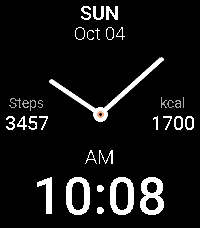
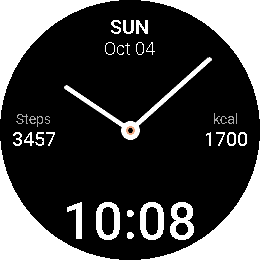
Bright hands and numbers on black, with your steps and calories close by.
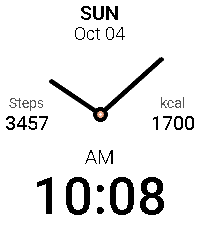
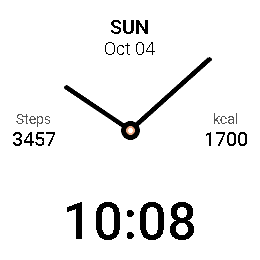
Dark hands and numbers on white, with your steps and calories close by.
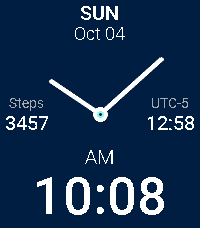
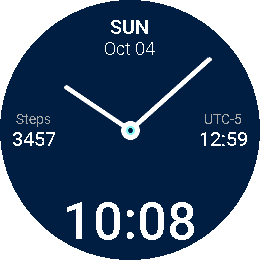
A deep blue background, your step count and the time in another time zone.
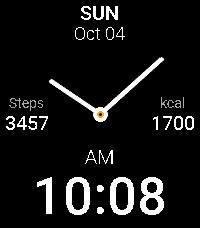
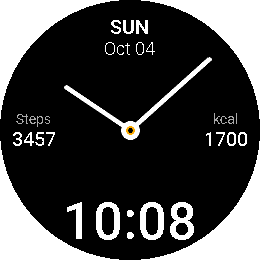
The hands sweep into place as the date, your chosen details and digital time appear.
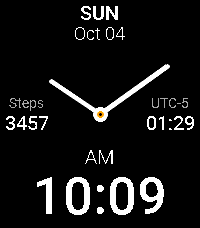
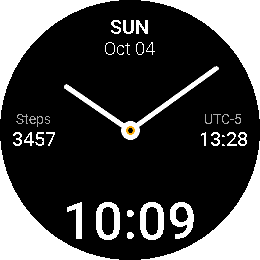
A smooth glide from one minute to the next.
Steps, calories and other readings shown are examples.
Enjoying Minimal Hybrid? Help support future watchfaces.
Support Simple Faces